Everyone who has had the pleasure of writing academic texts knows the importance of using proper referencing techniques and formatting. I did all the referencing to my Bachelor’s Thesis by hand, and with that experience still fresh on my mind, I decided to look around for better alternatives for my Master’s Thesis.
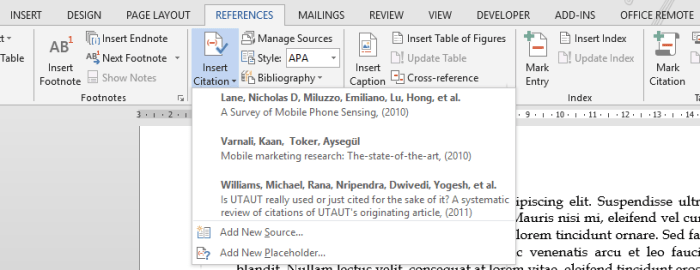
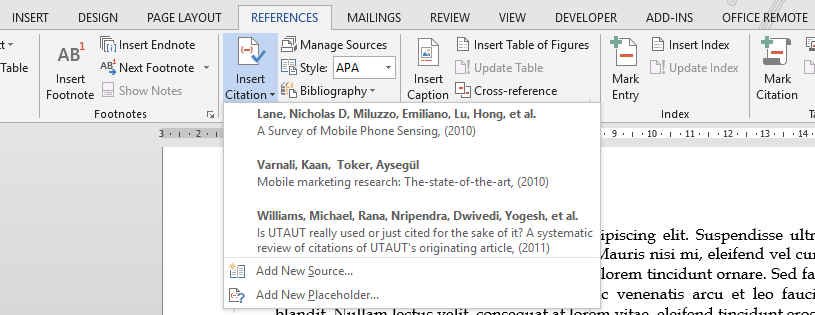
Turns out that Microsoft Word has very neat and powerful built-in referencing feature, which supports several different citation standards (including APA, which was our faculty’s choice). However, I soon discovered that although Word lists every reference only once in the automatically generated bibliography, it treats every citation in the text itself as a new and unique entity. Therefore by default it was impossible for me to write as we were instructed by my faculty: “If the original source has three or more authors, all names separated with a comma are written in the first reference: (Jauhiainen, Pirhonen & Silvennoinen, 2009). When referring to the source for the second time, it is enough to write the first author’s name and “etc.”, a comma and the year: (Jauhiainen etc., 2009).“
So the first reference can obviously be done, but here’s my workaround for the second one:
Continue reading “Studyhackers: Improving Microsoft Word’s Default APA Referencing” →








 Joel Latto